Notify Credit Bureaus
Notify Credit Bureaus
The Ultimate Survival Guide for Widows
Welcome
Welcome
Section 2: Let's Get Organized
Section 2: Let's Get Organized
Section 3: Social Security Suvivor Benefits
Section 3: Social Security Suvivor Benefits
BONUS: Let's Do a Check-In
BONUS: Let's Do a Check-In
BONUS: The Ultimate Budget Binder for Widows
BONUS: The Ultimate Budget Binder for Widows
Section 5: Other Death Benefits
Section 5: Other Death Benefits
BONUS: The Ultimate Insurance Review for Widows
BONUS: The Ultimate Insurance Review for Widows
Section 8: Social Media + Online Accounts
Section 8: Social Media + Online Accounts
Section 9: What to Do With His Stuff
Section 9: What to Do With His Stuff
Master List
Master List

You must contact the three major credit bureaus to report your spouse’s death, so the credit bureau will stop issuing credit under the deceased’s name and prevent identity theft and/or fraud.

Technically, the SSA and/or lenders (mortgage company, banks) who are notified of the deceased are required to pass the information along to the credit bureaus.
But please don’t wait for someone else to do this necessary step for you. It could take months and months before this information reaches the credit bureaus.
Request a “Deceased-Do Not Issue Credit” flag and a copy of the credit report
When you notify the credit bureau about your spouse's death, they do not immediately delete the credit file for security purposes.
You should request, in writing, a “Deceased-Do Not Issue Credit” flag for the credit file. This will alert the credit bureaus not to issue any credit in your spouse’s name.
As an added measure, request a copy of your spouse’s credit report at the same time. This will give you a baseline credit report to monitor and uncover any questionable credit inquiries or incorrect information. You can also use the information on the credit report to uncover all the credit accounts your spouse currently has opened that now need to be closed.
Keeping a “deceased” flag on the credit file helps prevent identity thieves from applying for credit in your spouse’s name. After you notify the credit bureaus of the death, the credit file is then deleted after one year.
You could take it a step further and apply a credit freeze to the account which allows you to control how a credit bureau can sell the data.
If you have a “freeze” on the account, nobody can access the credit file, including you. Once you freeze a credit file, you need to unfreeze it to gain access. However, there’s a fee involved to freeze a credit file and another fee to lift the freeze.
It’s not necessary to pony up for a credit freeze when the “deceased” flag essentially does the same thing for free.
But, again, it is up to you and your comfort level.
Do not issue credit letter template
I created a letter template for you, so you know exactly what to say in your letter to credit bureaus requesting a do-not-issue-credit flag.
Download the blank/fillable Credit Bureau Do Not Issue Credit template. Fill in the template with your own information and then print/send the completed copy.
Make a copy for your records and add it to your binder.
You'll find this document under the Downloads section below.
The following is an example of what a completed letter looks like.

You will need to send the letter to the following credit bureaus. Be sure to verify the credit bureau address information before you send it in. I can’t guarantee if these addresses are correct when you read this.
Equifax
P.O. Box 7404256
Atlanta, GA 30374-0256
Experian
Dispute Department
P.O. Box 9701
Allen, TX 75013
TransUnion
Consumer Solutions
P.O. Box 2000
Chester, PA 19022-2000
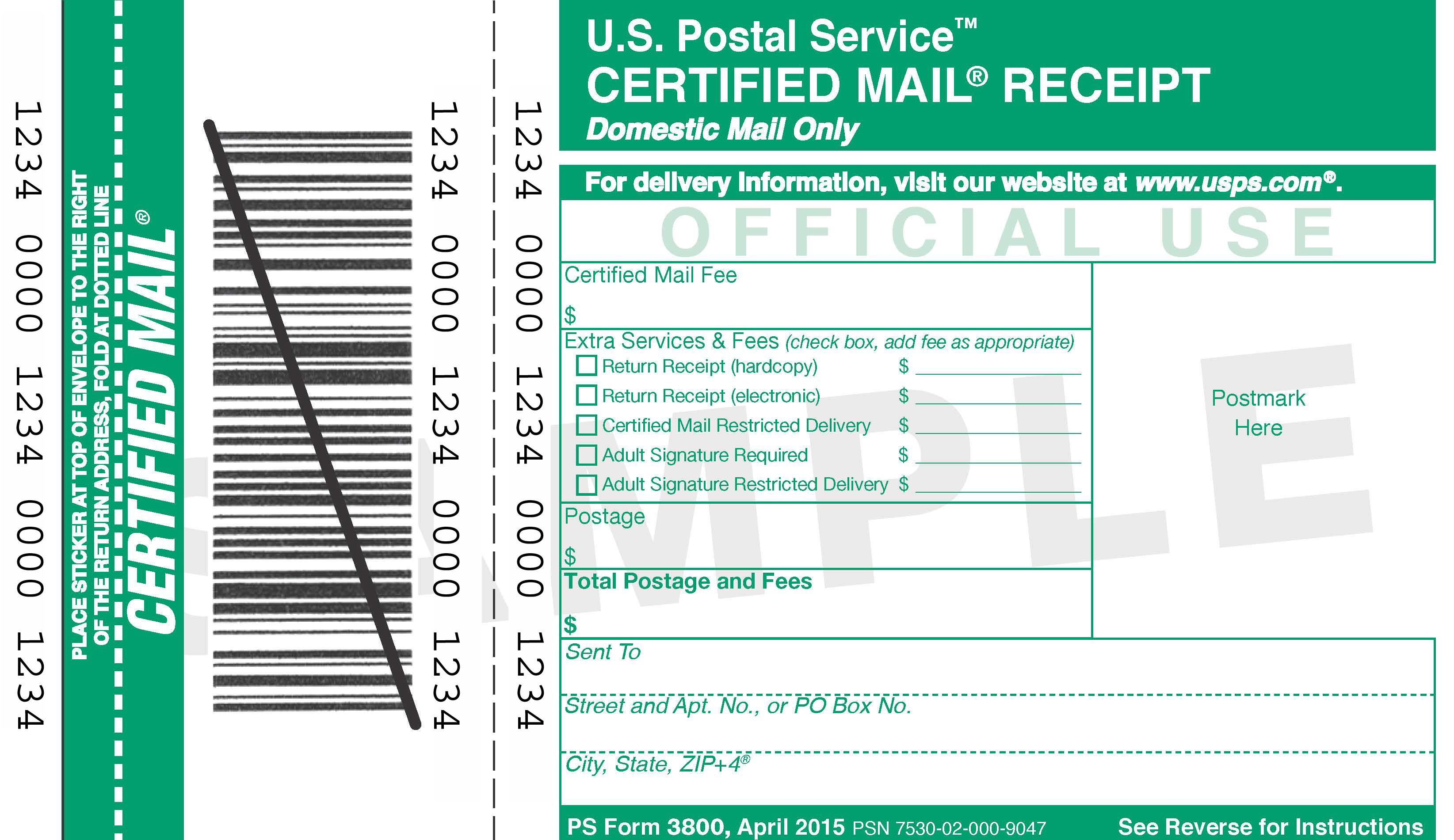
Send the letter Certified MailBe sure to send the letter certified mail.
This gives you a receipt of your mailing and verification the letter was delivered.
Remember to make copies of the letters, include your certified mail receipts, and file in your binder under the “Account Management” section. When the copy of the credit report comes in, file it away in the same section.