Keeping Track of Expenses

Now that you’ve cancelled unnecessary recurring expenses, it’s time to keep track of daily and monthly spending. In addition to gathering your bills and accounts, start keeping track of receipts to see where you’re spending your money on a day-to-day basis.
It wasn’t until I started tracking my spending habits that I realized how much I spent on lunches out. Even though I wasn’t treating myself to sit-down restaurant meals each week, the takeout Panera and Chipotle spending started adding up. Maybe you grab a Starbucks more often than you know? Or it’s possible you buy things you don’t even realize you’re buying until you start writing it down.
Daily expenses tracker
I created a worksheet to help you keep track of where your money goes on a day-to-day basis. When you keep track of your expenses daily, you'll start to see where you're spending the most money and in what category. You can also keep track of payment methods, like cash, to determine if you're spending money you didn't realize you were spending because cash isn't trackable like credit card payments.
Download a copy of the Daily Expenses Tracker to keep track of the categories of expenses, as well as payment methods, to see exactly where you're spending the most money.
This worksheet is editable, which means you can enter/edit data right from your computer. Or simply download, print, and fill out by hand.
You'll find this document under the Downloads section below.

Monthly bill tracker
A straightforward way to keep track of your monthly bills and expenses is to document what you’ve paid and when.
Because you can’t always remember paying every bill (or is that just me?) it helps to write it down.
I created a worksheet to help you keep track of your monthly bills and record the due date and amount paid for every month of the year.
Download a copy of the Monthly Bill Tracker to keep track of monthly payments and keep yourself accountable to make your payments on time. You'll find this document under the Downloads section below.
This tracker is editable which means you can enter/edit data right from your computer. Or simply download, print, and fill out by hand.

Monthly budget planner
Now that you’ve gathered your bills and accounts, canceled unnecessary subscriptions, and started to keep track of your daily and monthly expenses, it’s time to create a budget.
You need to know exactly how much money you have coming in each month (income) vs. how much money goes out (expenses). Use the Monthly Budget Planner to begin dissecting your monthly expenditures.
First, enter the income information you just gathered in the Where is Your Income? module. List all income sources from your salary, pension benefits, SS survivor benefits, SS disability benefits, retirement income and other sources.
Next, enter the expense information you just gathered in this section. You will have some fixed expenses (remains consistent, like mortgage and taxes) and variable expenses (fluctuates, like utilities). You can enter information in your budget planner monthly to track your income and spending.
Gather your credit card statements, utility bills, checkbook, and various receipts to determine what expenses you incur each month.
Download a copy of the Monthly Budget Planner to itemize monthly expenses in separate sections. You'll find this document under the Downloads section below.
This planner is editable which means you can enter/edit data right from your computer. Or simply download, print, and fill out by hand.

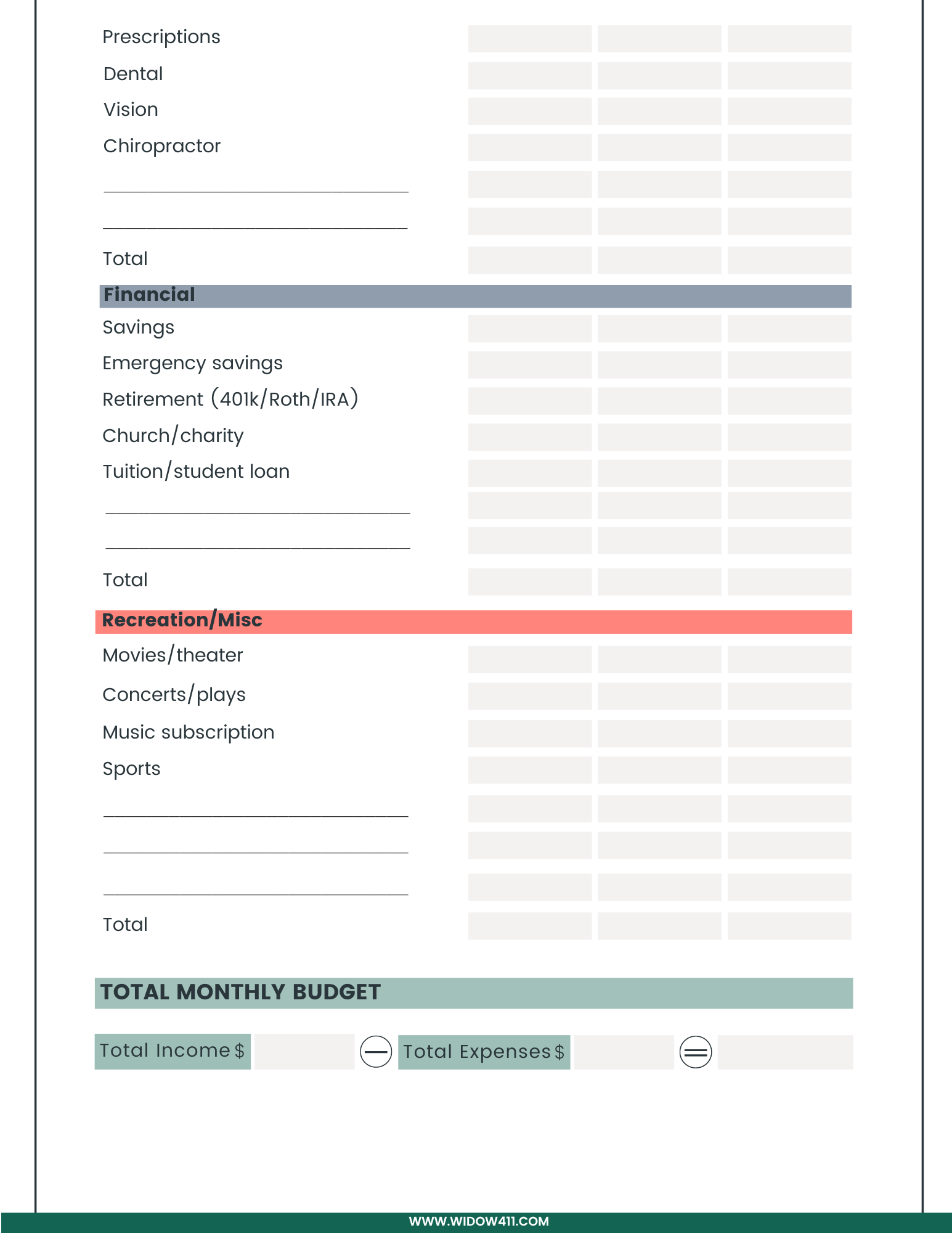
After filling out the worksheet you’ll subtract the total expenses from the total income to determine how much cash you have available every month.
A negative number means you must increase your income or cut your expenses to avoid incurring more debt.
A positive number means you might want to consider putting money away in an emergency fund or other investment vehicle.
